Replacing business software: how to switch without downtime

Most companies don’t replace business software because they want to, but because they have to: nobody maintains the old program, it doesn’t support new regulations, the subscription keeps going up, or the business has simply outgrown it. The switch doesn’t have to hurt if it’s planned well. We moved our own ISP from a legacy system to our own CRM, and this is the process we use with clients too.
Signs it’s time to replace it
- The software doesn’t keep up with new regulations (such as e-invoicing) or charges expensive add-ons for it.
- Your team keeps side spreadsheets because the software can’t do what you need.
- You can’t easily export your data or connect it to other tools.
- The vendor responds slowly or not at all.
- The subscription grows faster than your business.
A 6-step replacement plan
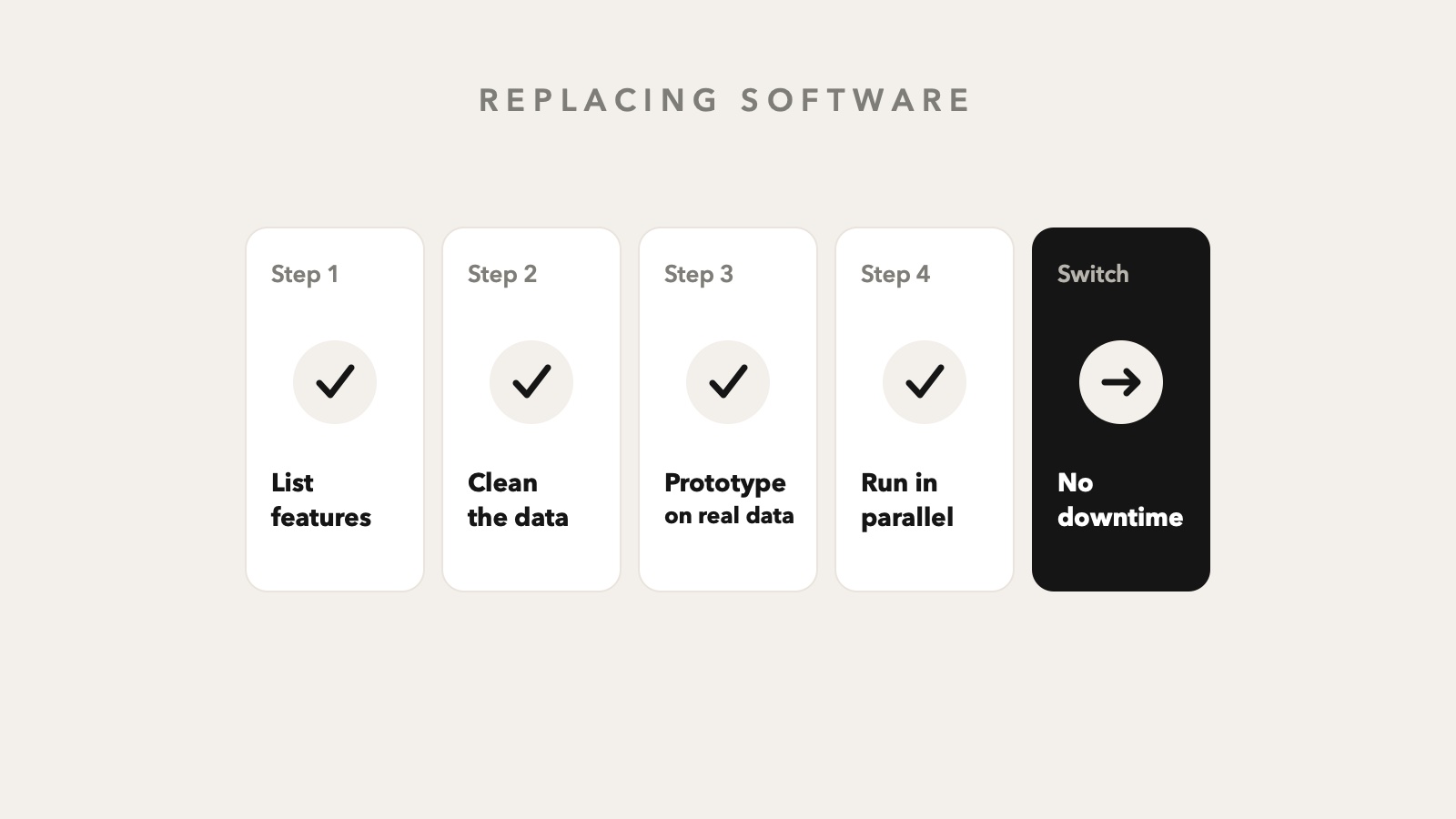
- List everything the old system does, including the small things nobody wrote down (the report accounting asks for every month, a special invoice format).
- Export and clean the data. Customers, contracts, products, open items. Remove duplicates and stale records before migrating, not after.
- Prototype the new system on your real data so the team sees it before the final build. More in software prototype.
- Run both in parallel. For a set period both systems run side by side and you compare results, especially invoices and balances.
- Switch-over day in a quiet period, not in the middle of billing or high season, with a clear list of who checks what.
- Retire the old system only once everything is verified, keeping an archive for as long as the law requires.
Off-the-shelf or custom?
If there’s a tool on the market that covers your process, replacing with off-the-shelf is faster. If you’re replacing the old software precisely because it doesn’t fit how you work, a new off-the-shelf tool often has the same problem. Then a custom system is cheaper in the long run. See custom software or off-the-shelf tools and how much custom software costs.
Planning a switch? Talk to us about custom software: we start with a 5-day prototype and handle the data migration.
Prototype · 5 days
See your software working before you commit to the build.
Tell us which process takes the most time. In 5 days we build a clickable prototype on your real example, then agree on a fixed price.