Business process automation: 7 processes a small business can automate

Business process automation means software does the repetitive work people used to do: copying data, sending reminders, building reports. For a small business it is rarely a robot or a large ERP. It is usually a few connected steps that save ten to thirty hours a week. These are the processes companies with 5 to 50 employees automate first.
1. Inquiries from the website, email and phone
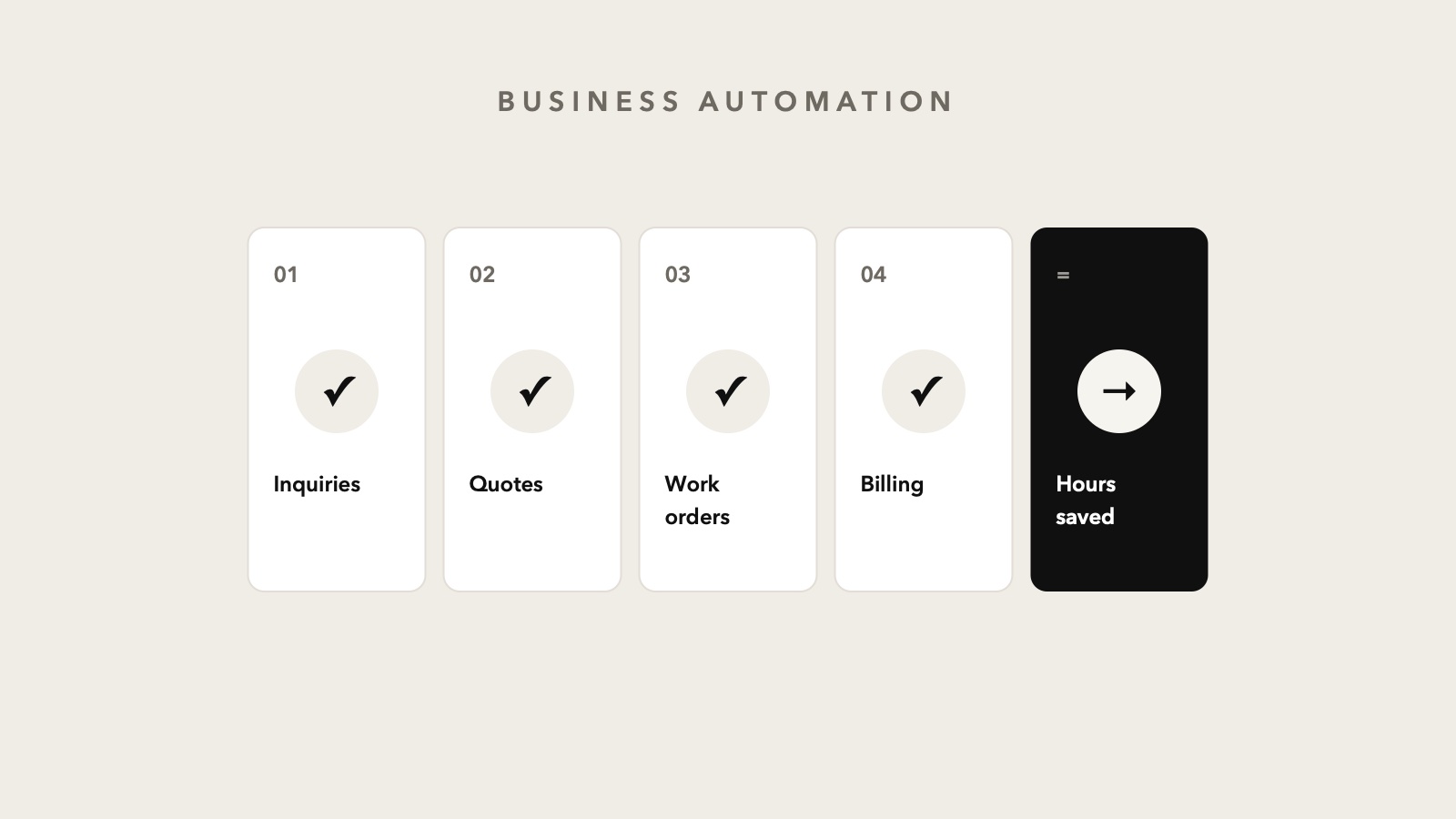
An inquiry arrives by email, someone copies it into a spreadsheet, and the reply depends on who checked the inbox. Automated: every inquiry lands in one list, gets an owner and a reminder if nobody replies within a day. More on this in our article on a custom CRM system.
2. Quotes
Quotes are often built by hand in Word or Excel, with prices copied from old documents. A system that builds the quote from your price list and client data in one click saves time and cuts pricing mistakes.
3. Work orders and field scheduling
Technicians and field crews get the order on their phone, log what they did and attach a photo. The office sees what is open without a single call. It is one of the highest-saving processes, so we wrote a separate article on a work order app.
4. Invoicing and payment tracking
Monthly invoices for regular clients can be issued automatically, and reminders for unpaid invoices sent on their own. With tax reporting and e-invoicing it becomes work you set up once and then just check.
5. Reports for the owner
Instead of someone building a spreadsheet every Monday, the overview of sales, open jobs and payments updates itself. The owner sees the numbers when needed, not when someone has time to prepare them.
6. Documents and contracts
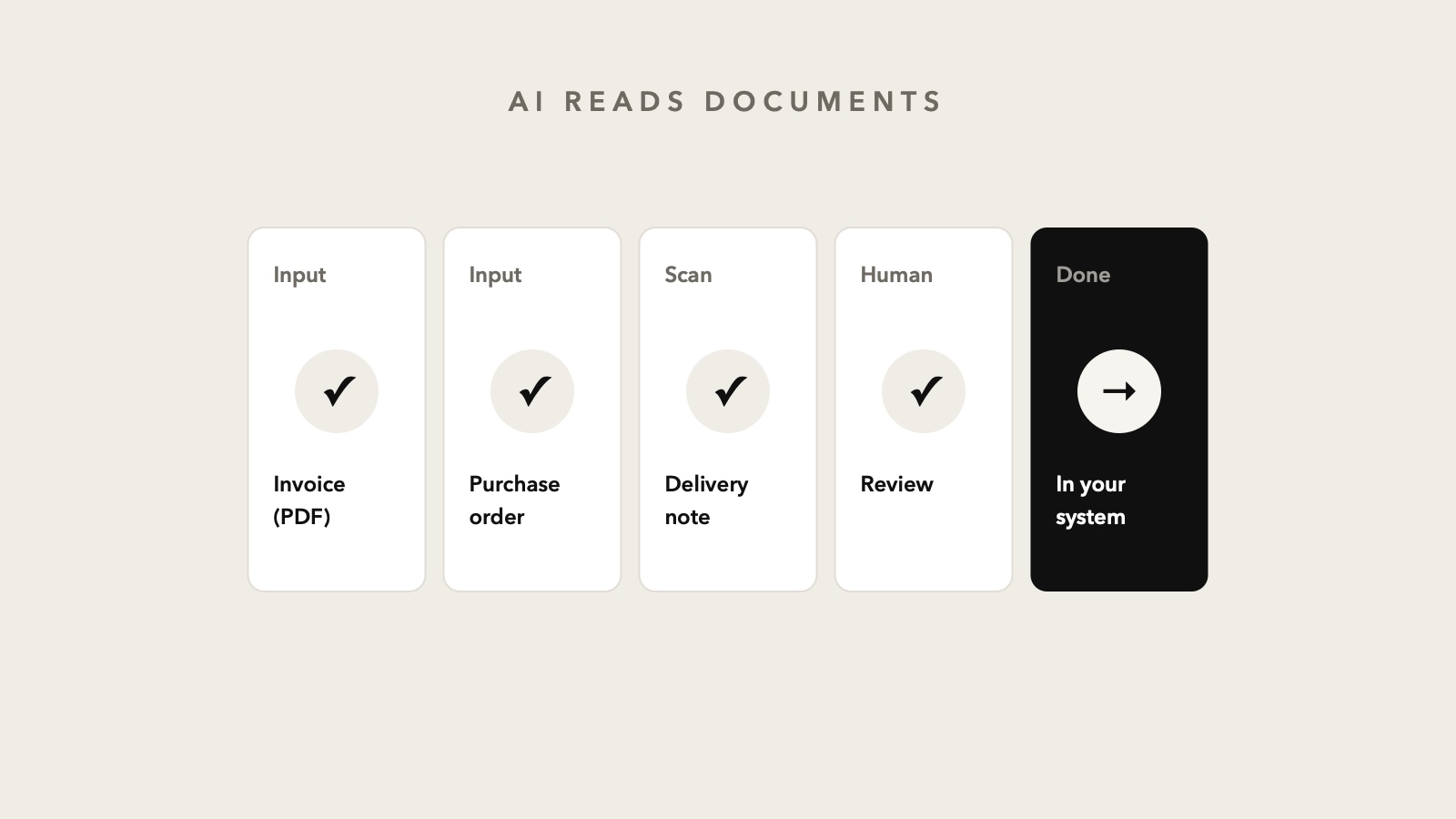
Contracts, quotes and confirmations are filled from templates using data already in the system. AI features can also read incoming documents, such as purchase orders or supplier invoices, and copy the data instead of a person.
7. Client communication
Appointment confirmations, order status updates and reminders go out automatically. Clients stay informed, and nobody on the team has to remember who was supposed to send what.
Where to start?
Do not automate everything at once. Start with the process that happens most often and where data is retyped between tools. If the process itself is messy, automation only speeds up the mess, so the first step is always a map of how the work actually flows. That is what we do in a free business diagnostic: by video or on site in Zagreb we show where hours are lost and what is worth automating first.
Need Help With Your Business?
Schedule a free call and let's discuss how we can help you.